
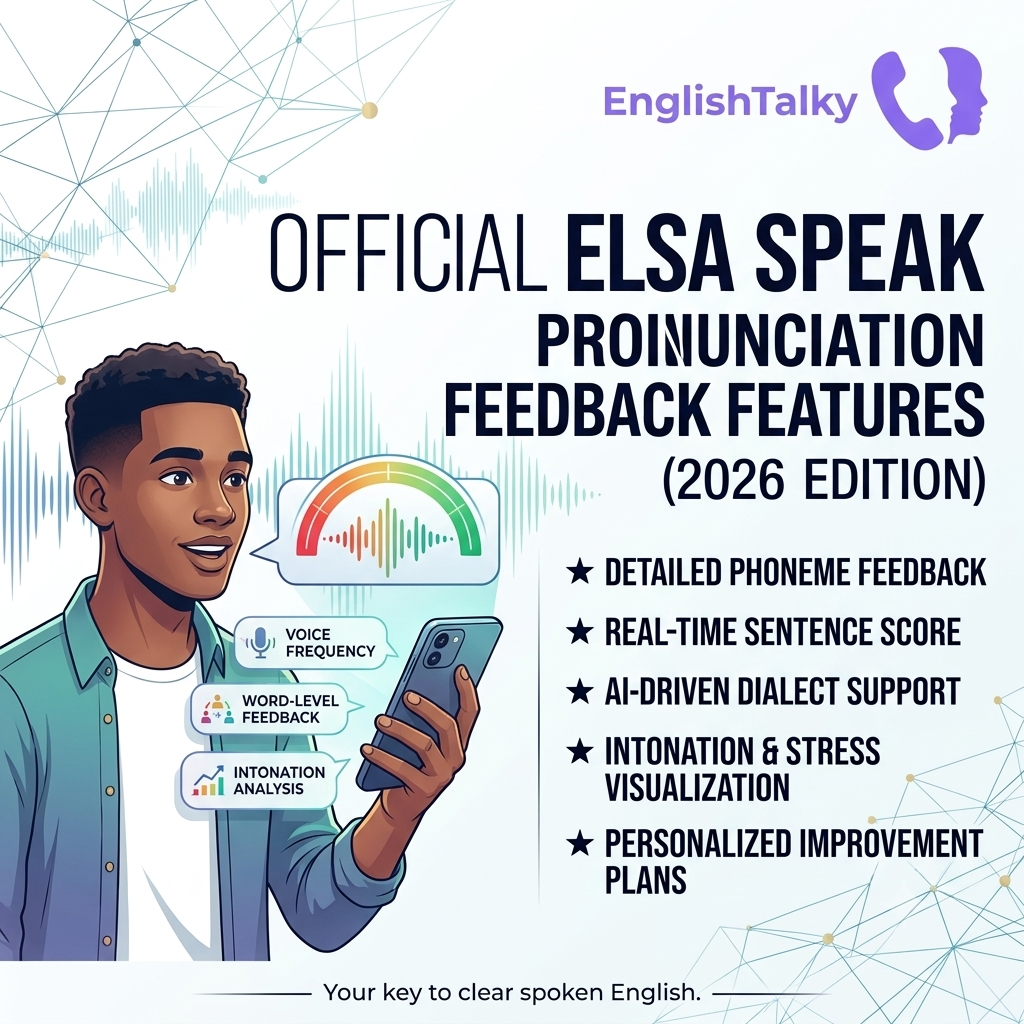
Official ELSA Speak Pronunciation Feedback Features (2026): Complete Guide
If you’re searching for an app that can tell you exactly what you’re pronouncing incorrectly, ELSA Speak is one of the most advanced options available in 2026. Unlike traditional language learning apps that simply ask you to repeat words, ELSA analyzes your speech using artificial intelligence and highlights the exact sounds, words, and speaking habits that need improvement.
In this guide, we’ll explore the official pronunciation feedback features of ELSA Speak in 2026, explain how each feature works, discuss its advantages and limitations, and compare it with practicing English through real conversations on English Talky.
What Is ELSA Speak?
ELSA (English Language Speech Assistant) is an AI-powered English pronunciation learning platform. It uses speech recognition technology to evaluate your spoken English and provides detailed feedback to help improve your pronunciation, fluency, intonation, grammar, and vocabulary. According to ELSA, its AI has been trained using speech data from non-native English speakers, allowing it to recognize common pronunciation mistakes made by learners.
1. AI Pronunciation Analysis
The core feature of ELSA Speak is its pronunciation engine.
When you speak a word or sentence, ELSA immediately analyzes your speech and compares it with native English pronunciation.
Instead of giving only a score, it identifies:
- Incorrect vowel sounds
- Incorrect consonant sounds
- Missing sounds
- Extra sounds
- Sound substitutions
- Speech clarity
This allows learners to know exactly which sounds require practice rather than guessing why they received a low score.
2. Phoneme-Level Feedback
One of ELSA’s strongest features is phoneme-level analysis.
English contains 44 distinct speech sounds (phonemes). Many learners pronounce certain phonemes incorrectly because they don’t exist in their native language.
For example:
- /θ/ (“think”)
- /ð/ (“this”)
- /r/
- /l/
- /æ/
ELSA highlights the specific phoneme that was mispronounced, helping users focus on one sound at a time. This detailed feedback is available in the standard pronunciation mode.
3. Color-Coded Error Detection
ELSA uses a visual color system to make pronunciation mistakes easy to understand.
Typical indicators include:
- 🟢 Green — Correct pronunciation
- 🟡 Yellow — Close, but needs improvement
- 🔴 Red — Incorrect pronunciation
The colors appear directly on words or sounds, allowing users to identify errors instantly without reading lengthy explanations.
4. Detailed Word Breakdown
Tapping a highlighted word reveals more detailed information.
Depending on the lesson, users can see:
- Which sound caused the mistake
- Example pronunciation
- Their own recording
- Comparison with the correct pronunciation
- Suggested improvements
This makes it much easier to repeat and correct mistakes immediately.
5. Regular vs Advanced Feedback Mode (2026)
A notable 2026 feature is the ability to choose between two feedback modes.
Regular Mode
Available to all users.
Provides:
- Phoneme-level corrections
- Individual sound feedback
- Color-coded pronunciation accuracy
Best suited for beginners.
Advanced Mode
Available for Premium users.
Provides:
- Full-word pronunciation analysis
- Word-level accuracy
- Better rhythm evaluation
- Overall pronunciation quality
This mode is useful for intermediate and advanced learners who want a more holistic evaluation rather than focusing only on individual sounds.
6. Pronunciation Score
After each exercise, ELSA generates a pronunciation score.
The score reflects how closely your speech matches the expected pronunciation.
Although the score should not be treated as an official language proficiency test, it provides a useful way to monitor personal improvement over time.
7. Intonation Feedback
Correct pronunciation isn’t only about saying individual sounds correctly.
ELSA also evaluates:
- Pitch variation
- Sentence melody
- Rising and falling tones
- Natural speaking rhythm
Improving intonation helps learners sound more natural and easier to understand during conversations.
8. Fluency Analysis
The app also measures fluency by examining:
- Speaking speed
- Pauses
- Flow
- Smoothness
This encourages learners to move beyond reading isolated words and toward speaking complete sentences more naturally.
9. Grammar and Vocabulary Feedback
Some speaking activities also include AI feedback on:
- Grammar
- Vocabulary
- Sentence quality
These insights are provided alongside pronunciation analysis in supported speaking exercises, giving learners a broader picture of their spoken English.
10. Speech Analyzer
ELSA’s Speech Analyzer extends feedback beyond short drills.
It can analyze longer speech and provide insights into:
- Pronunciation
- Intonation
- Fluency
- Grammar
- Vocabulary
This feature is designed for users who want to evaluate presentations, meetings, or extended speaking practice.
11. Real-Time AI Conversation Feedback
In supported AI conversation lessons, ELSA provides instant suggestions after each response.
The feedback focuses on:
- Natural wording
- Better expressions
- Grammar improvements
- Vocabulary
- Clarity
- Tone
This complements pronunciation practice by helping learners express ideas more naturally.
12. Progress Tracking
ELSA tracks learner progress over time.
Users can review:
- Pronunciation improvement
- Accuracy trends
- Lesson completion
- Speaking performance
These reports make it easier to identify strengths and recurring weaknesses.
Advantages of ELSA’s Pronunciation Feedback
ELSA Speak offers several benefits for learners who want structured pronunciation practice:
- Immediate AI feedback
- Highly detailed sound analysis
- Visual error highlighting
- Personalized learning paths
- Progress tracking
- Exercises covering words, sentences, and conversations
- Support for improving pronunciation, intonation, and fluency
Limitations
Despite its strengths, ELSA isn’t a complete replacement for speaking with real people.
Some common limitations include:
- AI cannot fully replicate spontaneous human conversations.
- Pronunciation scores may not always reflect real-world communication ability.
- Different English accents may receive different evaluations.
- Learners can become overly focused on scores instead of communication.
Community discussions also note that while many users find ELSA valuable for pronunciation practice, AI feedback isn’t perfect and should be complemented with real conversation practice.
ELSA Speak vs English Talky
The two apps serve different purposes and work well together.
| Feature | ELSA Speak | English Talky |
|---|---|---|
| AI Pronunciation Feedback | ✅ | ❌ |
| Phoneme-Level Analysis | ✅ | ❌ |
| Intonation Feedback | ✅ | ❌ |
| Pronunciation Scores | ✅ | ❌ |
| AI Lessons | ✅ | ❌ |
| Real Human Conversations | Limited | ✅ |
| Random Voice Chats | ❌ | ✅ |
| Speaking Confidence | Moderate | Excellent |
| Communication Practice | Limited | Excellent |
ELSA helps you pronounce English more accurately, while English Talky helps you build confidence by speaking with real people from around the world. Many learners benefit from using ELSA to refine pronunciation and English Talky to apply those skills in natural conversations.
Final Verdict
ELSA Speak remains one of the leading pronunciation-training apps in 2026. Its AI-powered feedback—including phoneme-level corrections, color-coded error detection, pronunciation scoring, intonation analysis, fluency evaluation, Speech Analyzer, and conversation feedback—makes it a strong choice for learners who want detailed guidance on pronunciation.
However, pronunciation is only one part of becoming fluent. To develop confidence, improve listening skills, and respond naturally in real conversations, regular practice with human speakers is equally important. Combining structured AI feedback from ELSA Speak with live voice conversations on English Talky offers a balanced approach to improving spoken English.